Paramètres APN ETL pour l’Internet 3G, 4G et 5G (2026)
Publié le Mis à jour le
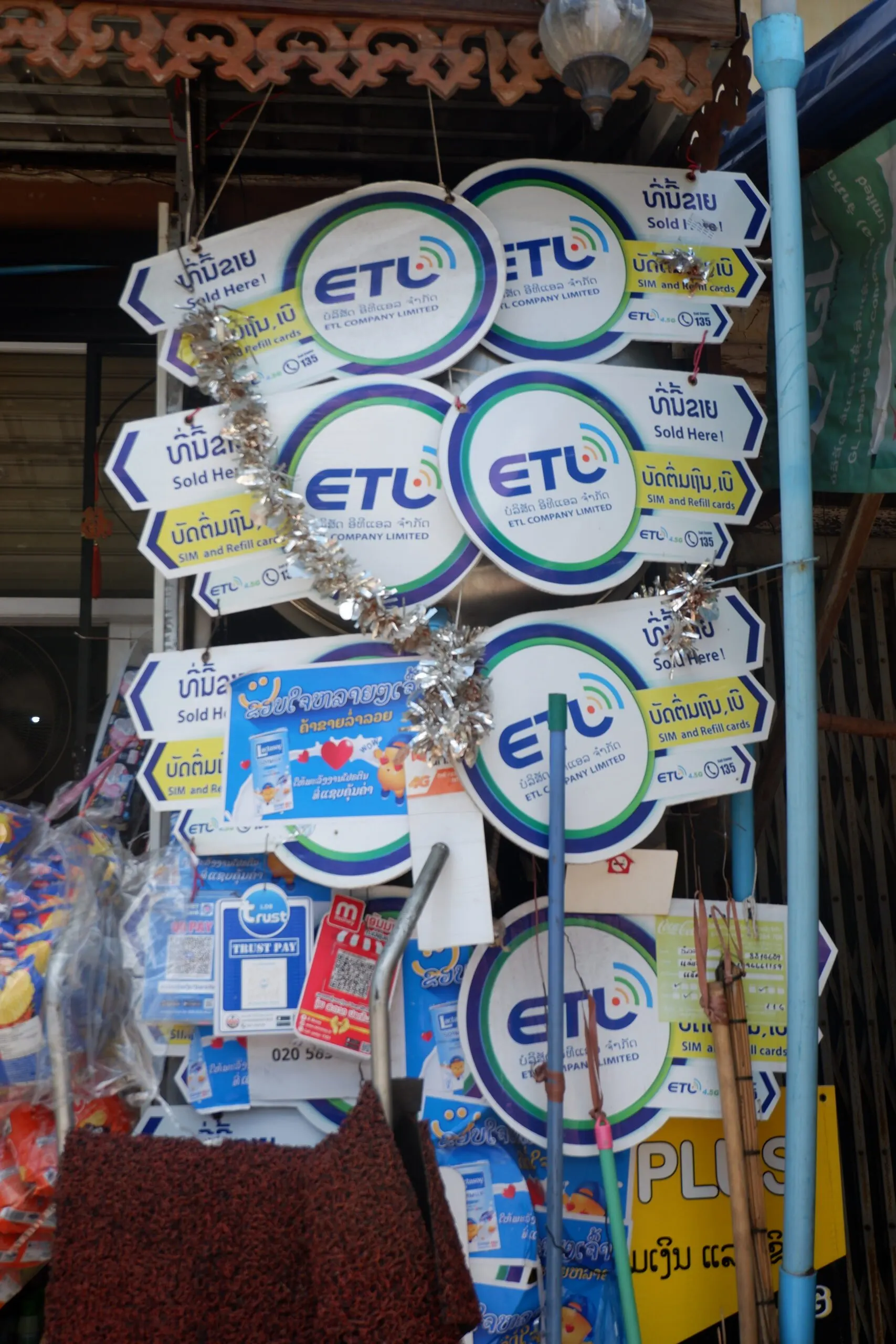
Short version: the ETL APN is etlnet. Leave every other field blank. The same APN covers 3G, 4G and 5G.
ETL is the only one of the three Lao mobile networks still operating fully independently, and it is usually the cheapest. It is also the one where coverage drops off fastest once you leave a town, which matters more than the APN if you are heading out of the cities.
ETL APN settings at a glance
| Setting | Value |
|---|---|
| Name | ETL |
| APN | etlnet |
| Username | Leave blank |
| Password | Leave blank |
| Proxy / Port | Leave blank |
| MCC / MNC | Leave as they are |
| APN type | default |
| APN protocol | IPv4/IPv6 |
| Authentication type | None |
Android fills MCC and MNC automatically from the SIM you have inserted. Do not type over them. Change those values and the APN stops matching your SIM, at which point nothing connects.
There is no separate APN for 5G. One string covers every network generation. If a guide gives you a different value for 5G, it is wrong.
Using an eSIM? Do not change your APN
eSIM profiles normally carry their own network configuration, including the APN. Your phone applies it automatically when the profile attaches to the network. Adding a second APN manually on top of that can break a connection that was about to work fine.
If you have an eSIM and no data, check these first, in this order:
- Is your data package active? An unactivated package looks identical to a misconfigured APN from the outside.
- Is data roaming on for that line? Your phone treats a Lao profile as roaming even while you are standing in Vientiane.
- Is the eSIM selected as your mobile data line? Installing it does not select it.
- Restart the phone.
Only if all four are correct should you add the APN manually using the steps below. Full walkthrough of every eSIM failure we see in support: Laos eSIM not working? Complete troubleshooting guide.
What is an APN?
An APN, or Access Point Name, is the identifier your phone hands to the mobile network when it opens a data connection. The operator reads it and decides what kind of connection to build: which IP address to assign, which security to apply, and where to route you.
Get it wrong and you have full signal bars and no internet. That is the signature symptom.
ETL APN settings on Android
Menu names vary by manufacturer. The path is always some version of Settings, then mobile network, then Access Point Names.
Stock Android, Pixel, Nokia, Motorola
- Open Settings
- Tap Network & internet
- Tap SIMs, then select your ETL line
- Tap Access Point Names
- Tap + or Add
- Set Name to
ETL - Set APN to
etlnet - Leave every other field alone
- Tap the three-dot menu, then Save
- Go back to the APN list and select the entry you just created
Step 10 is the one people miss. Creating an APN does not activate it. If the radio button beside your new entry is not filled in, the phone is still using the old one.
Samsung
- Open Settings
- Tap Connections
- Tap Mobile networks
- Tap Access Point Names
- Tap Add
- Set Name to
ETLand APN toetlnet - Tap the three-dot menu, then Save
- Select the new entry from the list
Xiaomi, Redmi, POCO (MIUI and HyperOS)
- Open Settings
- Tap SIM cards & mobile networks
- Select your ETL SIM
- Tap Access Point Names
- Tap New APN
- Set Name to
ETLand APN toetlnet - Tap Save, then select the entry
OPPO, realme, OnePlus (ColorOS and OxygenOS)
- Open Settings
- Tap Mobile network
- Select your SIM, then tap Access Point Names
- Tap + to add a new APN
- Set Name to
ETLand APN toetlnet - Save, then select it
ETL APN settings on iPhone and iPad
- Open Settings
- Tap Cellular (shown as Mobile Data in some regions)
- If you have more than one line, select your ETL line first
- Tap Cellular Data Network
- Under the Cellular Data heading, set APN to
etlnet - Leave Username and Password blank
- Leave the LTE Setup and Personal Hotspot sections alone unless hotspot is failing
- Go back. iOS saves automatically. Toggle airplane mode off and on to apply.
No "Cellular Data Network" option on your iPhone?
Normal, not a fault. Apple hides that menu when the installed carrier profile is managing the APN for you. If it is missing, the network is already configured and there is nothing for you to edit.
If you still have no data and cannot edit the APN, the cause is elsewhere. Check that your package is active, that data roaming is on for the line, and that the correct line is set for mobile data.
Hotspot and tethering
ETL uses the same APN for tethering. If your hotspot will not start on iPhone, open Cellular Data Network and enter etlnet in the Personal Hotspot APN field as well. On Android, set the APN type to default,dun if tethering fails with the default value.
MMS settings
Most travellers never need MMS now that messaging runs over data. If you do want picture messaging, add mms to the APN type field alongside default, and leave the MMSC and MMS proxy fields blank unless ETL support gives you specific values.
Still no data? Work through this
- Is your data package active? Buying a SIM does not always activate data on it. This is the most common cause by a wide margin, and it looks exactly like an APN problem.
- Is mobile data switched on for the right line? Dual SIM phones regularly default to the wrong one.
- Is data roaming on? Required for eSIM profiles and any foreign-issued SIM.
- Did you select the APN after saving it? The most common Android mistake.
- Restart the phone. APN changes often need a full restart, not just airplane mode.
- Check for a typo. It is
etlnet, all lowercase, no spaces, no dot. - Is your phone carrier locked? A locked handset can reject a foreign SIM outright, or hide the APN menu entirely.
- Are you somewhere ETL actually reaches? See the coverage note below. If you are outside a town, this may not be a settings problem at all.
Coverage: the honest picture
ETL is typically the cheapest of the Lao networks, and for a city-only trip that is a perfectly reasonable trade. It performs acceptably in Vientiane, Pakse and the larger towns.
Coverage thins out faster than Unitel or Lao Telecom once you leave urban areas. If your itinerary includes the far north, mountain routes, multi-day treks or long stretches of road between towns, ETL is the weakest of the three for that kind of travel.
If you are staying in the cities, price is a fair reason to choose it. If you are going off the main tourist triangle, pick a network with a wider rural footprint instead.
You can compare current coverage on the nPerf coverage map for Laos.
Skip the setup entirely
Our eSIMs run on Unitel, which has the widest rural footprint in Laos, and arrive by email with the network configuration built in. There is no APN to configure. Install before you fly and you are online when you land. Physical SIMs can be delivered to your hotel before check-in.
Browse Laos eSIM and SIM plans →
APN settings for other Lao operators
| Operator | APN | Guide |
|---|---|---|
| ETL | etlnet |
This page |
| Unitel | unitel3g |
Unitel APN settings |
| Lao Telecom (LTC) | ltcnet |
LTC APN settings |
| TPlus (MVNO on LTC) | ltcnet |
See LTC guide |
A note on the operator lineup, since older guides still get this wrong. Beeline no longer operates independently in Laos. It was absorbed by Lao Telecom and now runs as TPlus, an MVNO on the Lao Telecom network. ETL, by contrast, is still an independent operator with its own network and its own APN.
Frequently asked questions
What is the ETL APN in Laos?
etlnet. Leave username, password and all other fields blank.
Is there a different APN for ETL 5G?
No. The same etlnet APN covers 3G, 4G and 5G.
Is ETL still an independent operator?
Yes. ETL runs its own network. Beeline was the operator that was absorbed by Lao Telecom, becoming TPlus.
Do I need to set the APN manually on an eSIM?
Usually not. eSIM profiles carry their own configuration. Only add it manually after confirming your package is active, data roaming is on, and the eSIM is selected as your data line.
Why can't I find Cellular Data Network on my iPhone?
Apple hides that menu when the carrier profile is managing the APN. There is nothing to configure, so the cause of your problem is elsewhere.
Is ETL good enough for travelling around Laos?
For Vientiane, Pakse and the larger towns, yes, and it is usually the cheapest option. For remote northern provinces, mountain routes or multi-day treks, a network with wider rural coverage is a safer choice.
Does the APN affect my speed?
No. A correct APN either connects you or it does not. Speed depends on the network, your location and how busy the cell is.
For a full comparison of all internet providers in Laos — including mobile data, fiber, and eSIM options — see our guide: Internet Providers in Laos Compared (2026).
Besoin d'une connexion data pour votre voyage au Laos ? Notre eSIM Laos fonctionne sur le réseau local Unitel, à partir de 6,90 $.